Sharing
Send a video to people by email, each with their own link, or turn on one public link. Nobody needs an account to watch or comment.
Click the share icon (three connected dots) under a video. Only the video's owner and admins see it.
Invite by email
Type one or more addresses (up to 20 at a time) and press Send invite.
- Each person gets an email, "… shared a video with you", with a Watch the video button. It is in your language: in Arabic when you use Vistilla in Arabic.
- Each person gets their own link. In Insights you can then see exactly who watched and how far they got.
- Inviting the same address again re-sends the same link.
- No account is needed to watch or comment.
- Invited people are listed in the dialog with Watched N times or Not opened yet, and buttons to Copy link and Remove (revoke).
- Personal links never allow downloads.
Public link
Turn on Public link to get one link anyone can open. Then:
- Copy link, or send it with the WhatsApp, Telegram, Messenger and X buttons;
- Viewers can download the video: off by default;
- the dialog shows how many views came through the link;
- More opens your device's own share menu, in browsers that have one (phones, and Safari or Chrome on some computers).
Older links (for example ones made through the API) are listed under Other links, each with Revoke.
Turning the public link off revokes it: the old address stops working immediately. While it is off, the dialog says "Only the people you invite can watch."
What a viewer of a link sees
The share page (/s/<token>) shows:
- the player, chapters and comments;
- the reactions;
- Skip silences, when the recording has long pauses;
- the link buttons for viewers, if you added any.
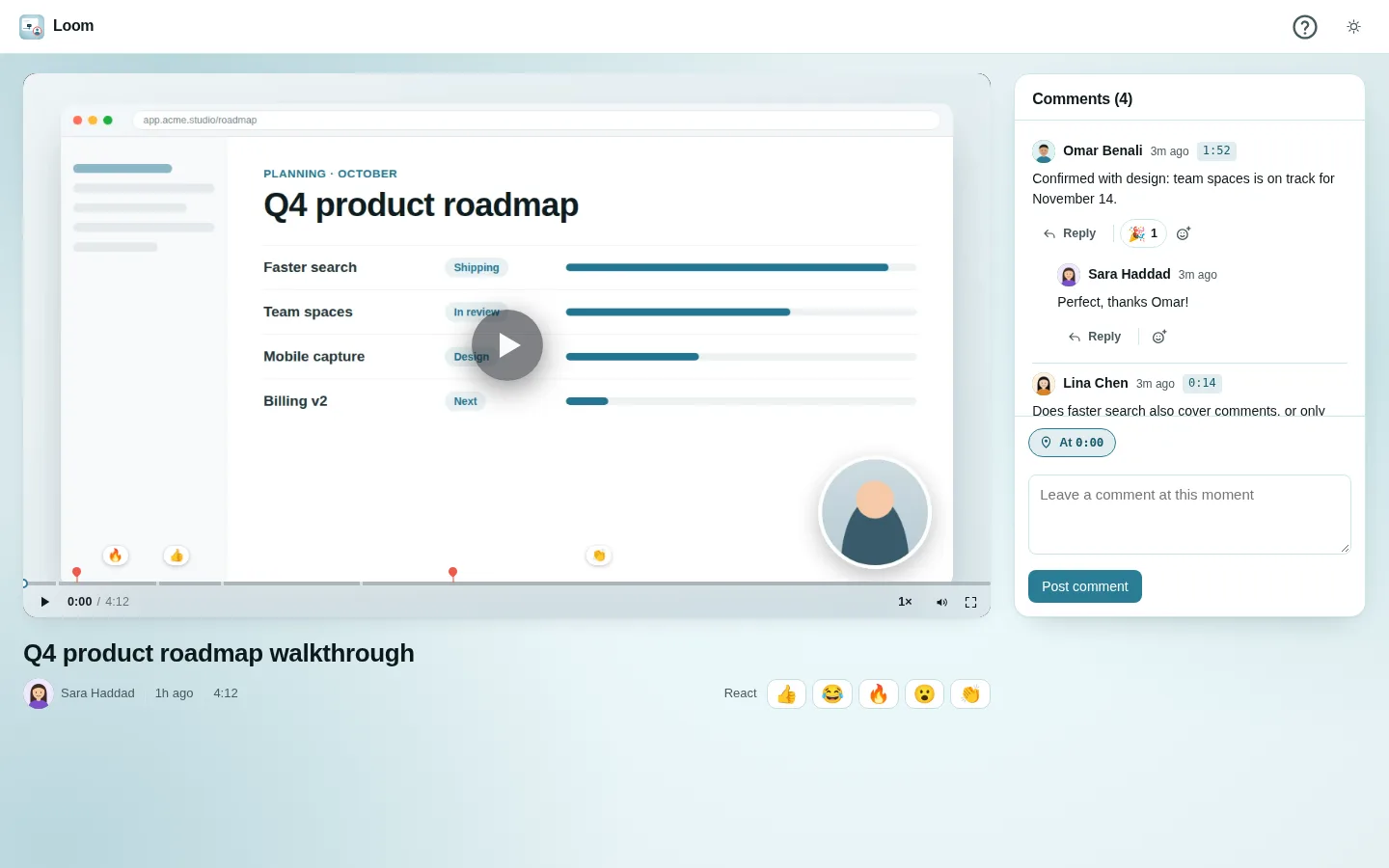
Guests can comment and react unless comments are turned off for that link.
When a link is pasted into Slack, WhatsApp and similar apps, it unfurls into a card with the title and poster image. That only happens if the video is ready and the link is not password-protected.
Link options available through the API
The server also supports these options per link:
- an expiry date;
- a password: viewers must unlock the link first, and signed-in people who can already see the video skip the password;
- turning comments off;
- a personal message in the invitation email.
The share dialog does not offer them; they can be set through the HTTP API.